1.
Sign In and click the Profile
link at the top of the page. It's important to keep your Profile up to date because
those values are inserted into coloring books.
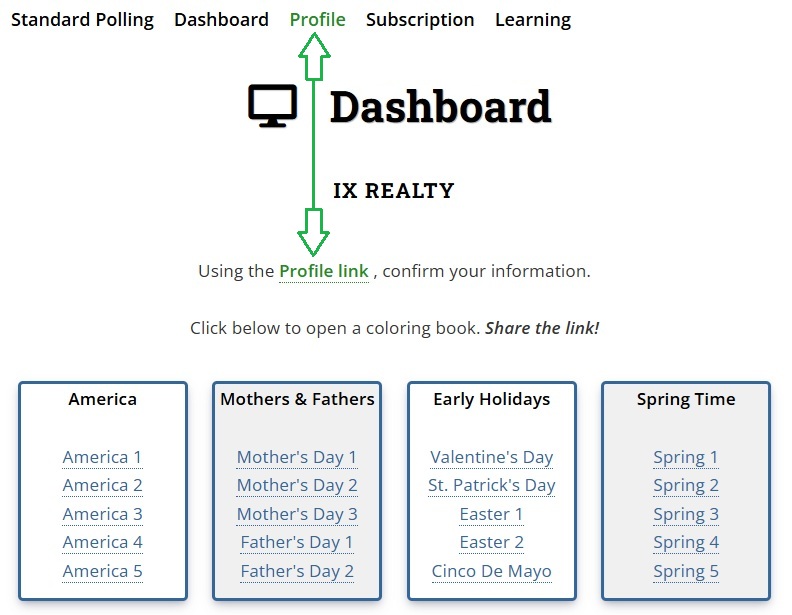
After saving your Profile, the browser will navigate to the
Dashboard page.
2.
Click a coloring book link on the Dashboard page as shown above. This will
open the Coloring Book Landing Page.
Share that link!
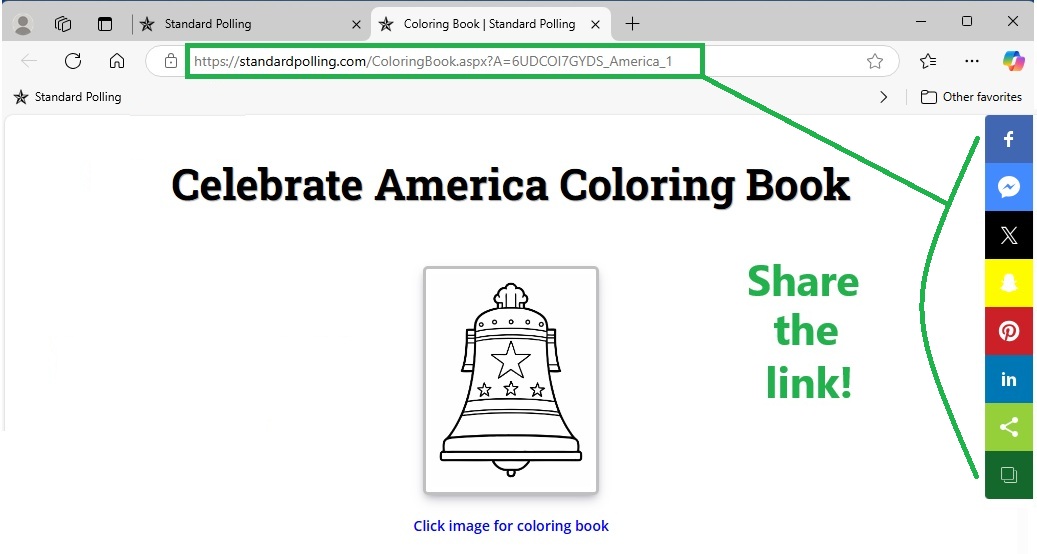
See how easy it is!
|